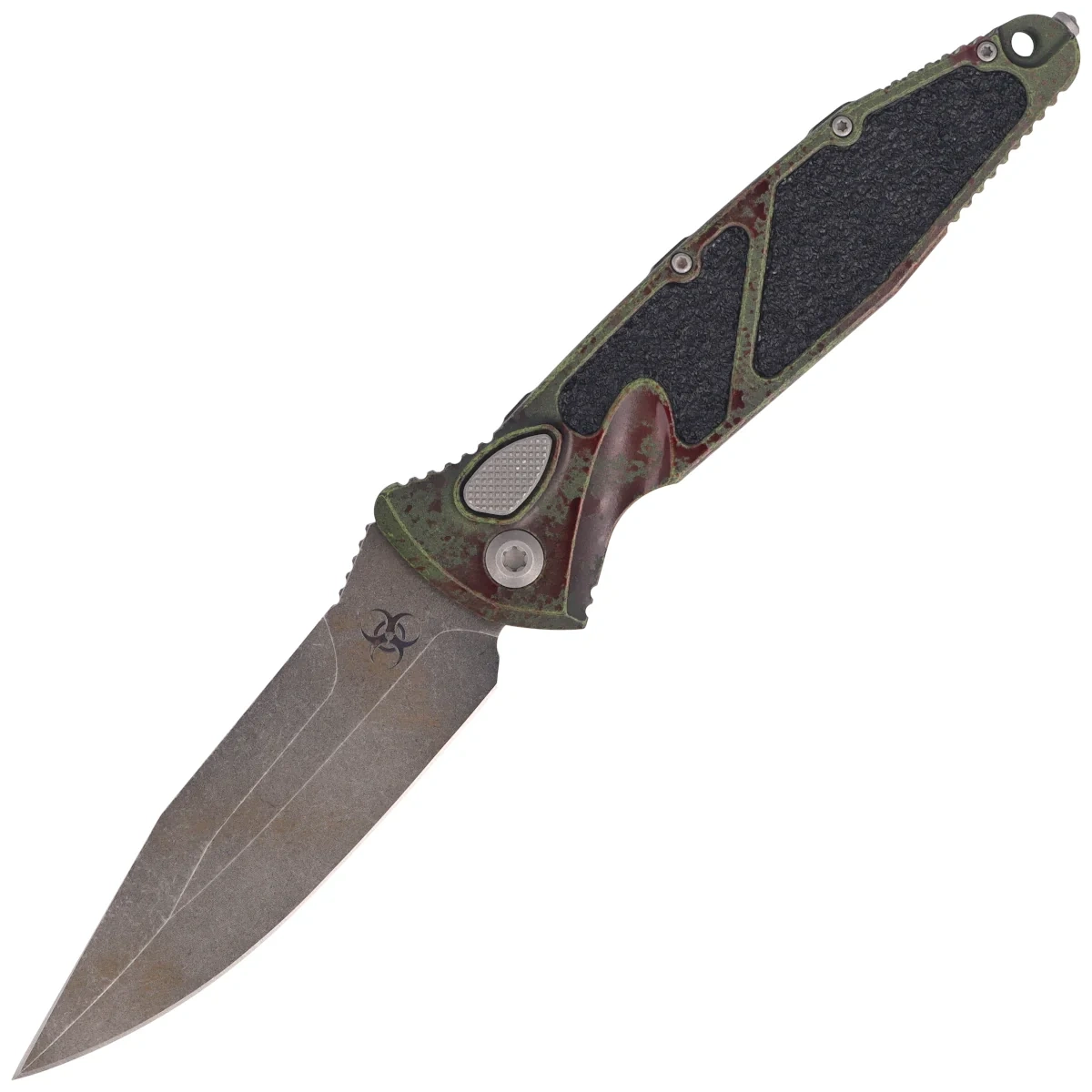
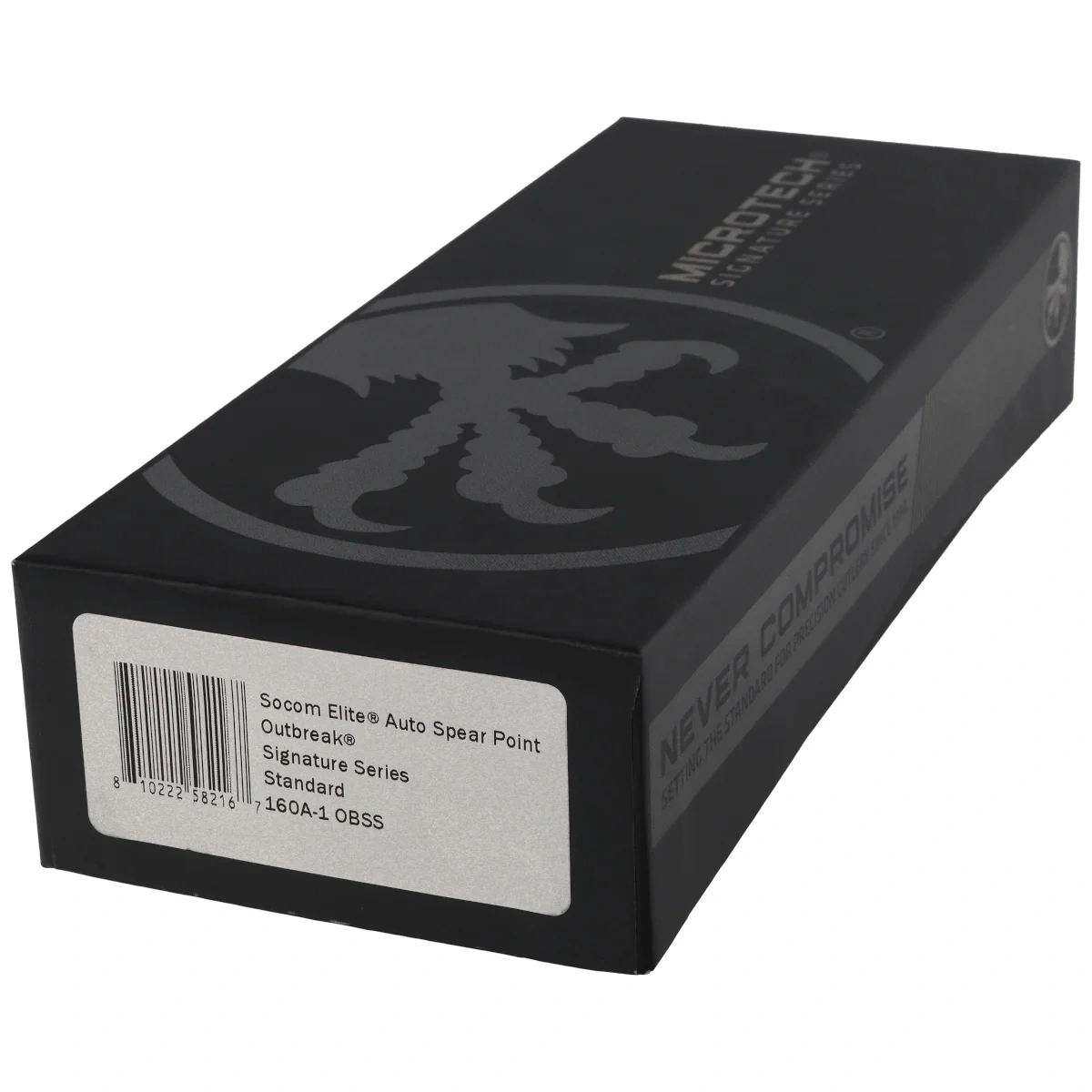
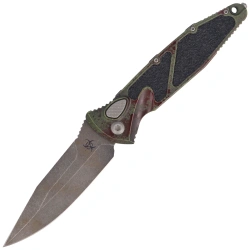
Microtech Socom Elite Auto S/E Signature Automatic Knife Outbreak Aluminium, Outbreak M390MK by Tony Marfione (160A-1OBSS)

- Socom Elite Auto S/E Signature Outbreak Aluminium, Outbreak tactical automatic knife, designed to meet the strictest requirements of US Army Special Forces operators. The finest materials, incredible durability!
 518,03 €
Microtech Socom Elite Auto S/E Signature Outbreak Aluminum, Outbreak M390MK by Tony Marfione – Signature Series automatic folding knife
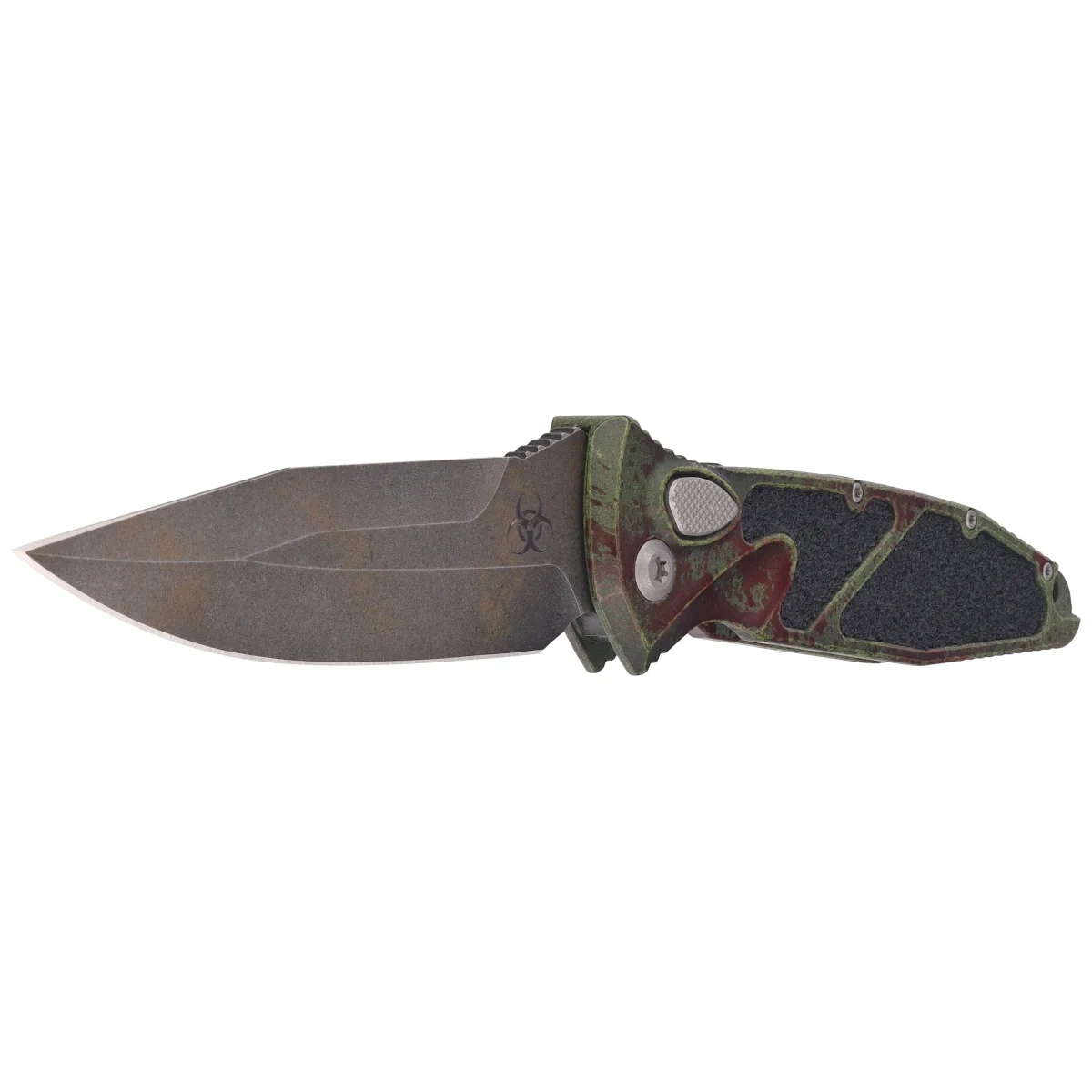
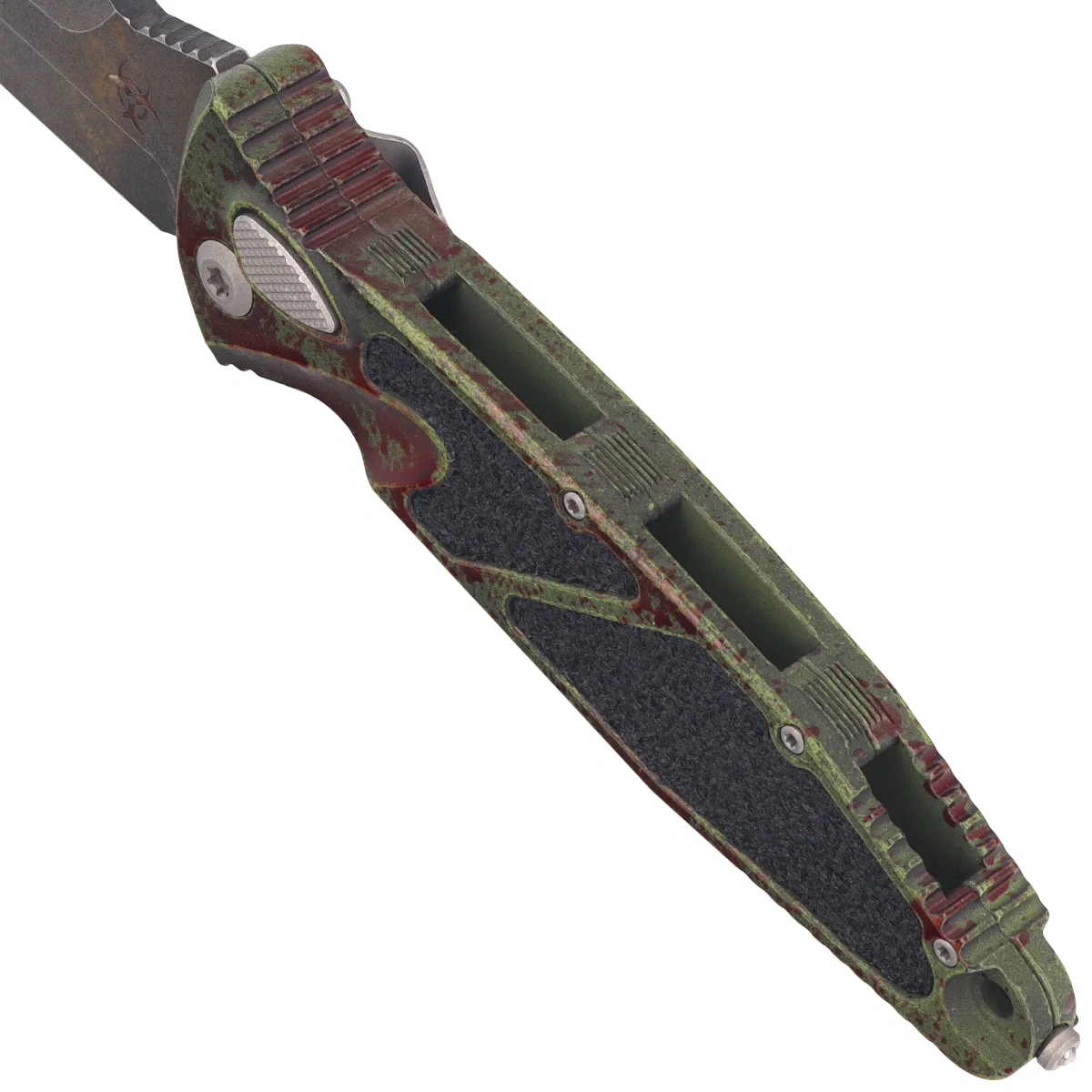
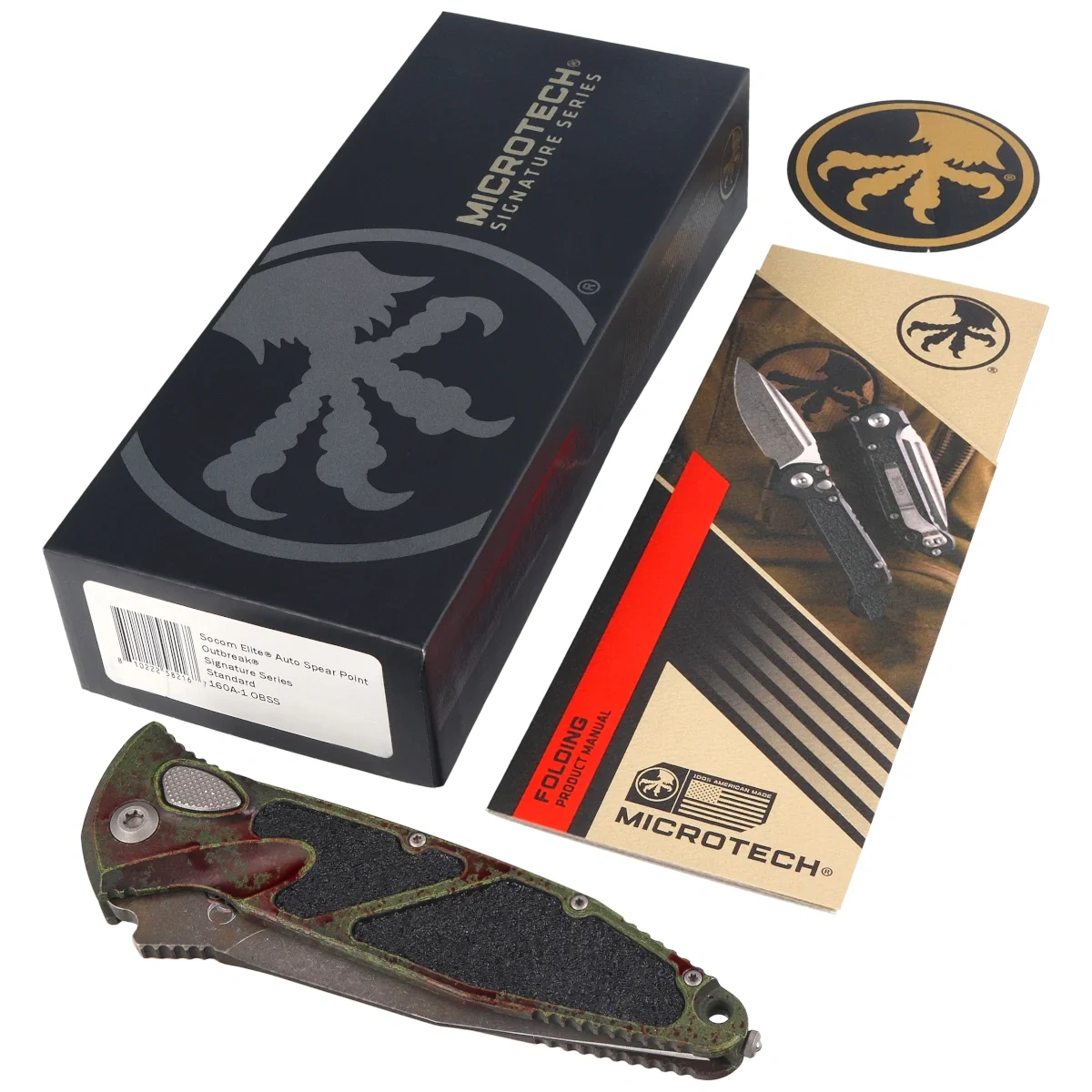
The Microtech Socom Elite Auto S/E Signature Outbreak Aluminum, Outbreak M390MK by Tony Marfione (160A-1OBSS) is a full-size side-slide automatic knife featuring a Spear Point blade made of Böhler M390MK steel. The Signature Series variant stands out with its Outbreak-themed finish applied to the blade and aluminum handle, as well as details that highlight the collectible nature of the design.
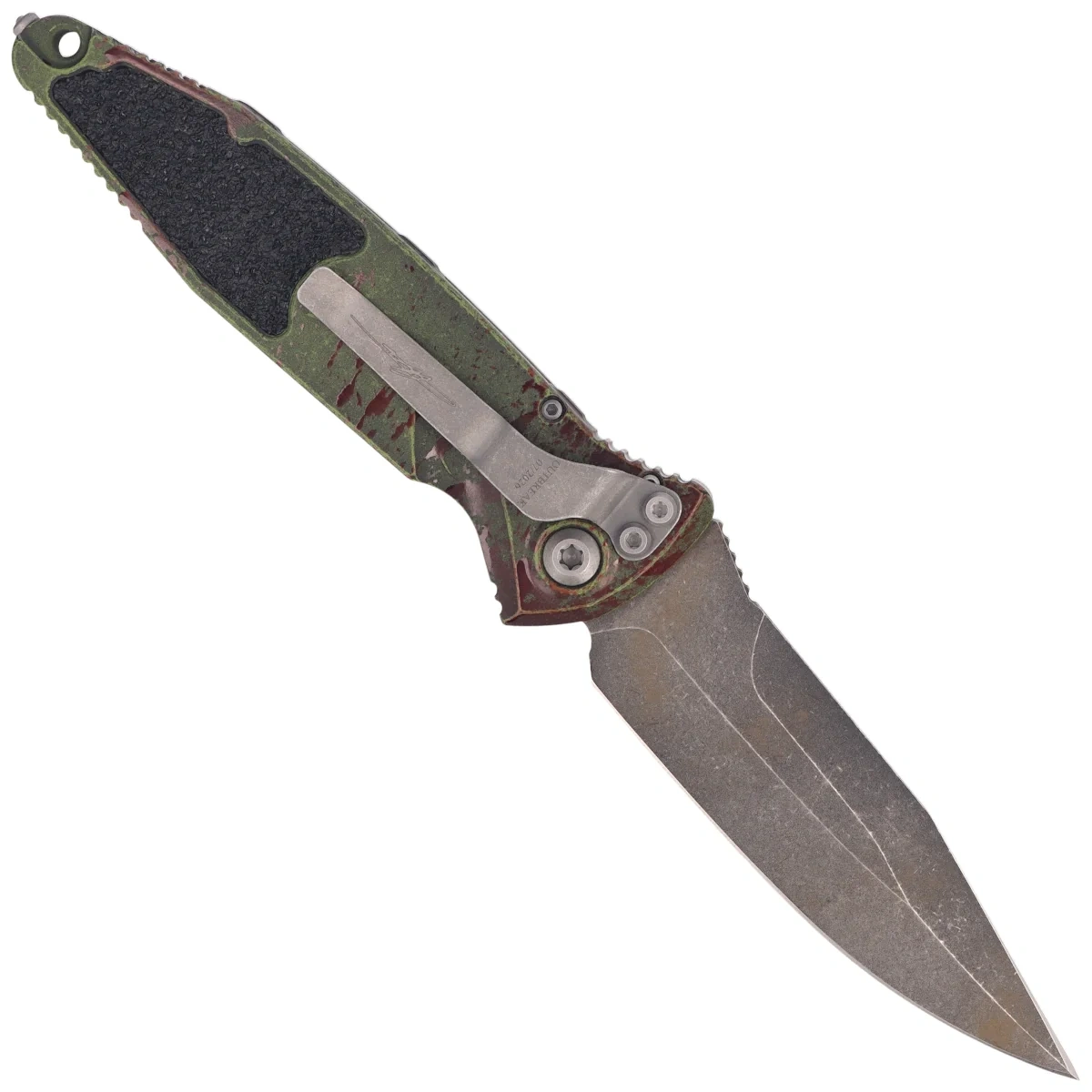
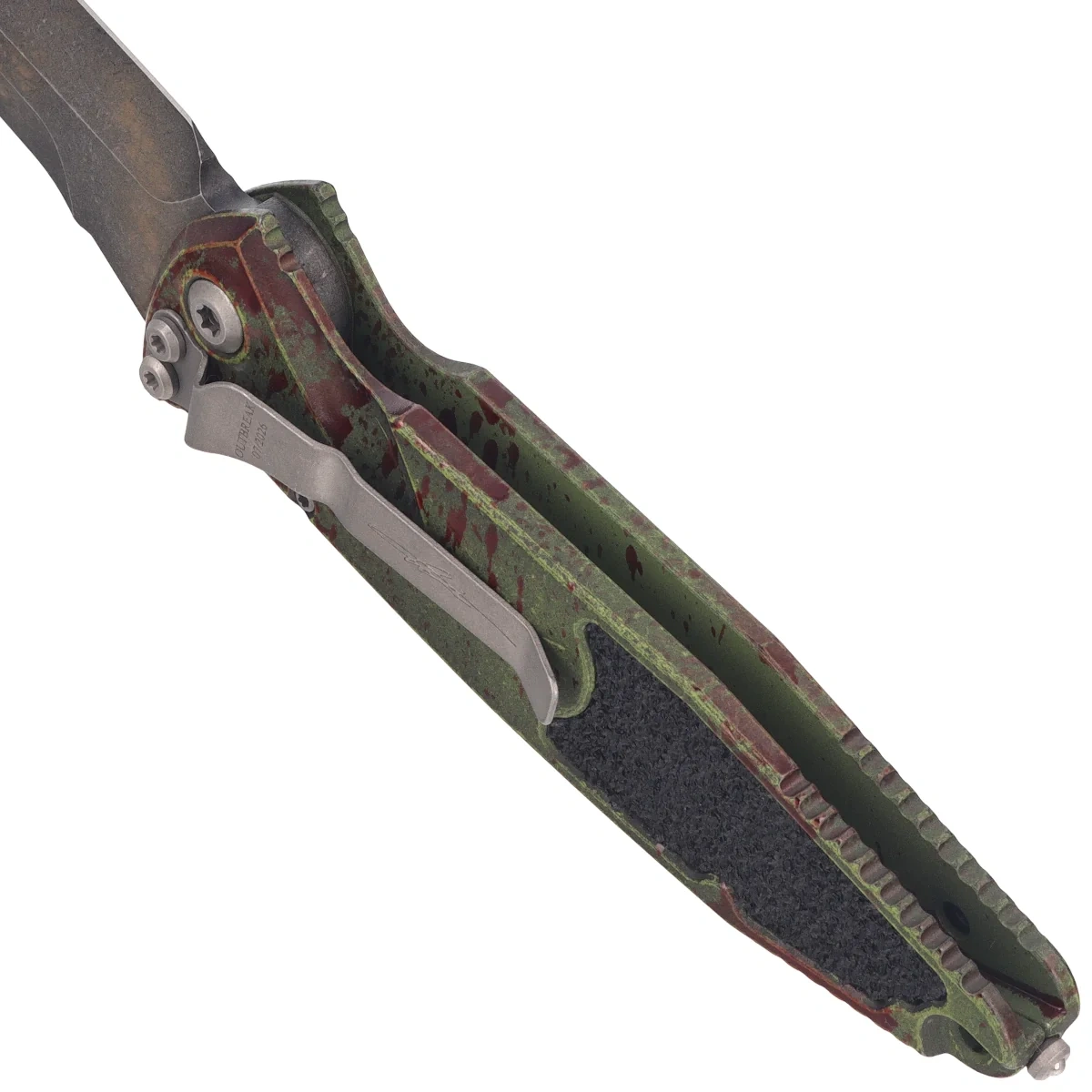
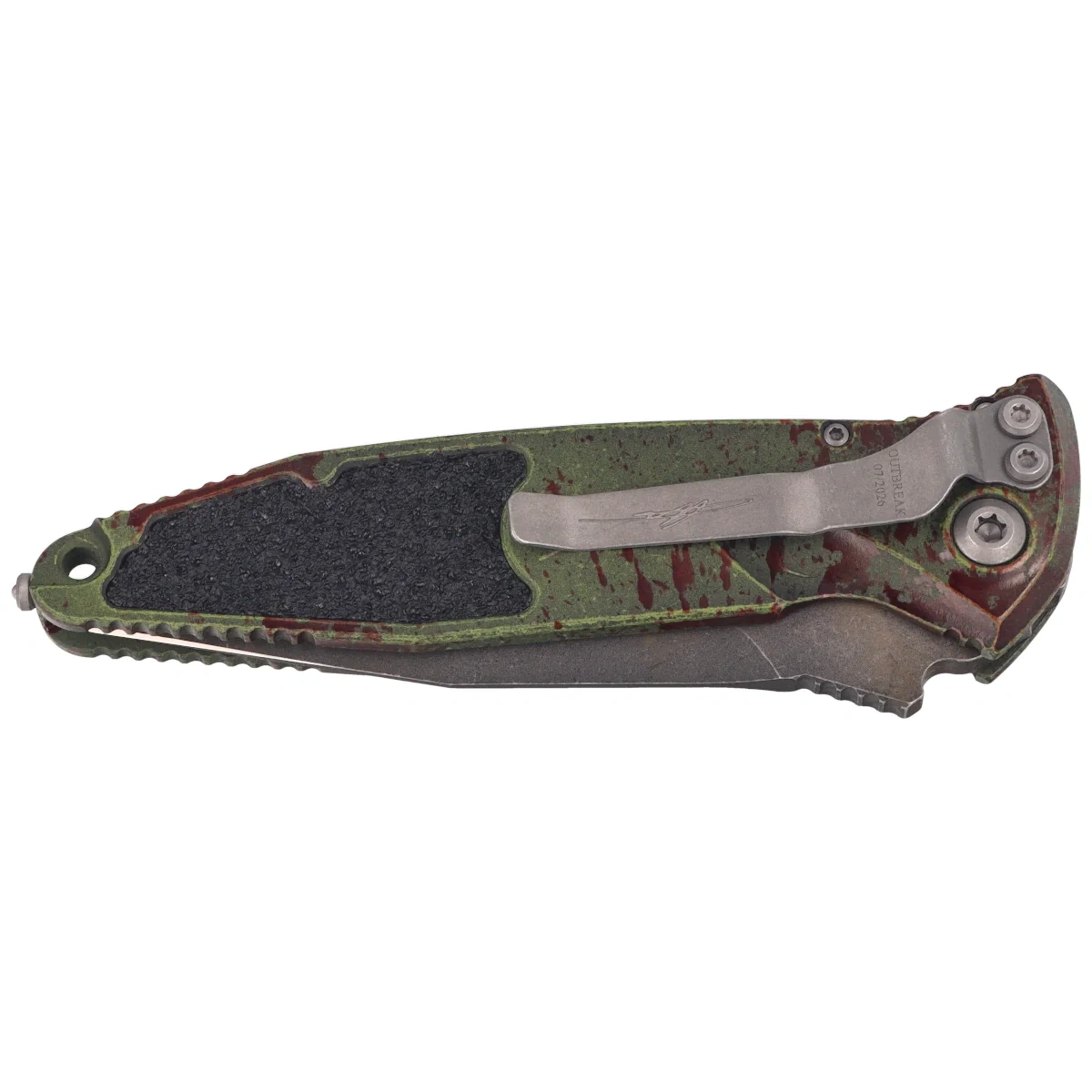
Pressing the button automatically releases and opens the blade, while the Button Lock keeps it in the open position. The contoured 7075-T611 aluminum handle and textured inlays enhance grip control, and the right-side clip allows for tip-down carry.
Böhler M390MK and a flat grind
The blade is made of Böhler M390MK stainless steel, which offers high corrosion resistance, good edge retention, and properties suitable for a premium automatic folder. The Flat grind supports effective and controlled cutting.
Spear Point, Plain Edge, and Outbreak
The Spear Point profile features a symmetrical spine line and a centrally positioned tip, while maintaining a single, smooth Plain Edge. The thematic Outbreak finish covers both the blade and the Handle, giving the Signature Series version a distinctive, collectible look.
Outbreak Aluminum and Automatic Mechanism
The contoured handle is made of 7075-T611 aluminum and features textured inlays for improved grip. The button controls automatic opening and the Button Lock mechanism. A glass breaker, a lanyard hole, and a right-side clip round out the model’s functionality.
Key Features at a Glance
- Böhler M390MK — stainless steel with high corrosion resistance.
- Spear Point — profile with a centrally positioned tip.
- Plain Edge — smooth edge for controlled cutting.
- Outbreak — themed finish on the blade and handle.
- Automatic Folder — quick opening with a button.
- Button Lock — button-activated blade lock.
- 7075-T611 Aluminum — durable handle construction.
- Signature Series — collector’s edition.
Technical Data
| Product Number | 160A-1OBSS |
| Product Name | Microtech Socom Elite Auto S/E Signature Outbreak Aluminum, Outbreak M390MK by Tony Marfione |
| Overall Length | 231.78 mm / 9.125" |
| Blade Length | 101.60 mm / 4.00“ |
| Blade Thickness | 5.00 mm / 0.197” |
| Handle Length | 130.18 mm / 5.125“ |
| Handle Thickness | 14.22 mm / 0.56” |
| Weight | 150.25 g / 5.30 oz |
| Blade Material | Böhler M390MK Stainless Steel |
| Blade Hardness (HRC) | N/A |
| Blade grind | Flat |
| Blade finish | Outbreak |
| Handle material | 7075-T611 Aluminum |
| Handle finish color | Outbreak-themed, grip inserts |
| Backspacer material | Aluminum |
| Backspacer color | Outbreak |
| Clip | Right-handed, tip-down |
| Clip material | Stainless Steel |
| Pivot Pin | Washers |
| Lock | Button Lock |
| Opening mechanism | Automatic, push button |
| Additional accessories | None |
| Designer | Anthony Marfione |
| Brand | Microtech |
| Manufacturer | Microtech Knives |
| Country of origin | USA |
Frequently Asked Questions
How do I care for Böhler M390MK steel?
After use, clean the blade and dry it thoroughly. Despite its high corrosion resistance, do not leave moisture, salt, or corrosive substances on it. Before long-term storage, you can apply a thin layer of preservative.
How do you sharpen a Spear Point blade?
Sharpen the edge at a constant angle, guiding the tool along its factory-set profile. Near the centrally positioned tip, reduce the pressure to maintain the symmetry of the profile and avoid rounding off the tip.
How does the Button Lock mechanism work?
Pressing the button releases the spring-loaded mechanism and causes the blade to open automatically. The same component is responsible for unlocking the blade when folding the knife.
How do you maintain the automatic mechanism?
The areas around the pivot, button, and lock should be regularly cleaned of dust and small debris. After cleaning, you can apply a small amount of a light lubricant designed for automatic knives.
How to safely operate a side-fold knife?
Before pressing the button, make sure the blade’s opening path is clear and the knife is held securely. When folding the knife, keep your fingers out of the blade’s path.
Prepared by: Specialists at Sharg® company – Your expert in EDC and cutting tools